> ## Documentation Index
> Fetch the complete documentation index at: https://docs.triplesession.com/llms.txt
> Use this file to discover all available pages before exploring further.
# CRM Sync Settings
> Configure how Triple Session links calls, pushes CRM notes, routes matched records, and handles HubSpot and Salesforce-specific CRM sync options.
Autofill Settings control what Triple Session does after a call is processed. Use them to choose which CRM records can be matched, what call content is pushed automatically, and where that content is stored in HubSpot or Salesforce.
Before configuring autofill, connect your CRM. See [Connect HubSpot CRM](/crm/connect-hubspot) or [Connect Salesforce CRM](/crm/connect-salesforce).
## What you can configure
From **Settings > CRM > Settings**, admins can configure:
* Automatic call linking to CRM objects.
* Automatic note pushes after processed calls.
* The content source for pushed notes: Summary, Deal Insights, or both.
* Which matched CRM objects receive pushed notes.
* Routing when more than one object type matches.
* HubSpot Meetings, Salesforce Events, and HubSpot task creation.
The **Scorecard mappings** tab handles field mappings for CRM properties. See [Map Fields](/crm/map-fields).
## Provider differences
| Setting | HubSpot | Salesforce |
| ---------------------- | --------------------------------------------------------------- | ----------------------------------------------------- |
| Matchable objects | Deals, Contacts, Companies | Opportunities, Contacts, Accounts, Leads |
| Automatic note targets | Deals, Contacts, Companies | Opportunities, Contacts, Accounts, Leads |
| Activity destination | Notes or Meetings | Notes or Events |
| Multi-object routing | Available for Notes and Meetings | Available for Notes. Events use single-target routing |
| Extra settings | Meeting write mode, Meeting type, task creation, metadata cache | Event destination |
## Automatically link calls to CRM objects
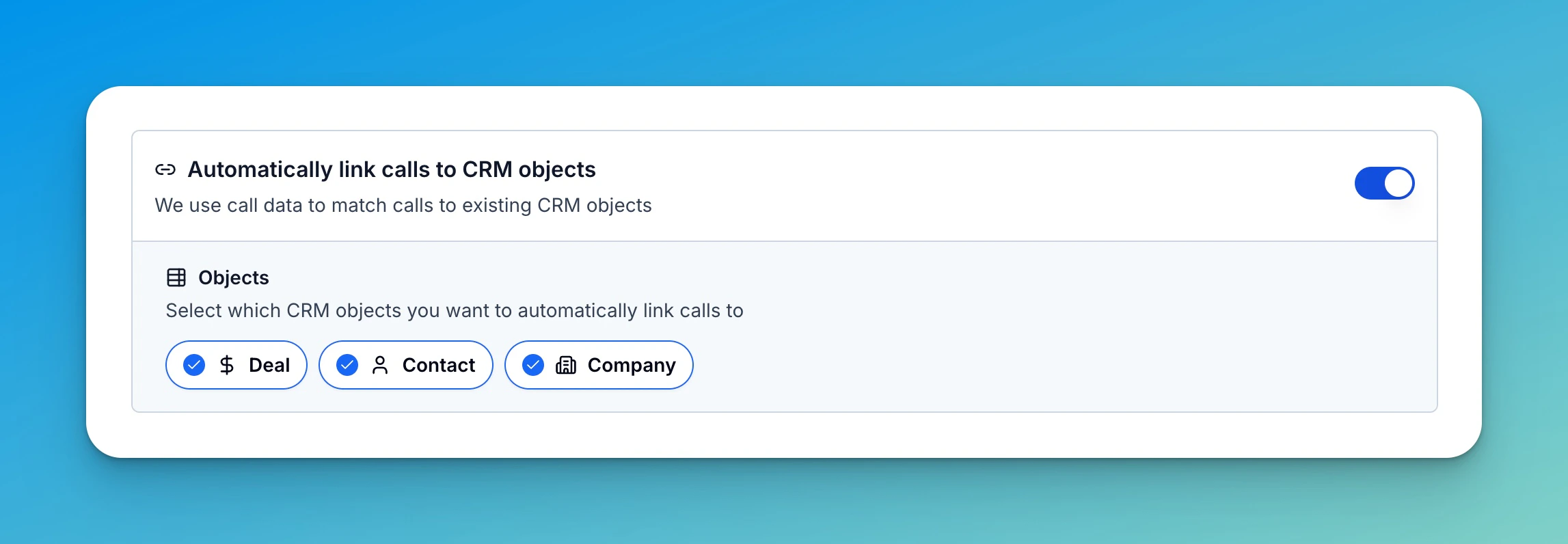
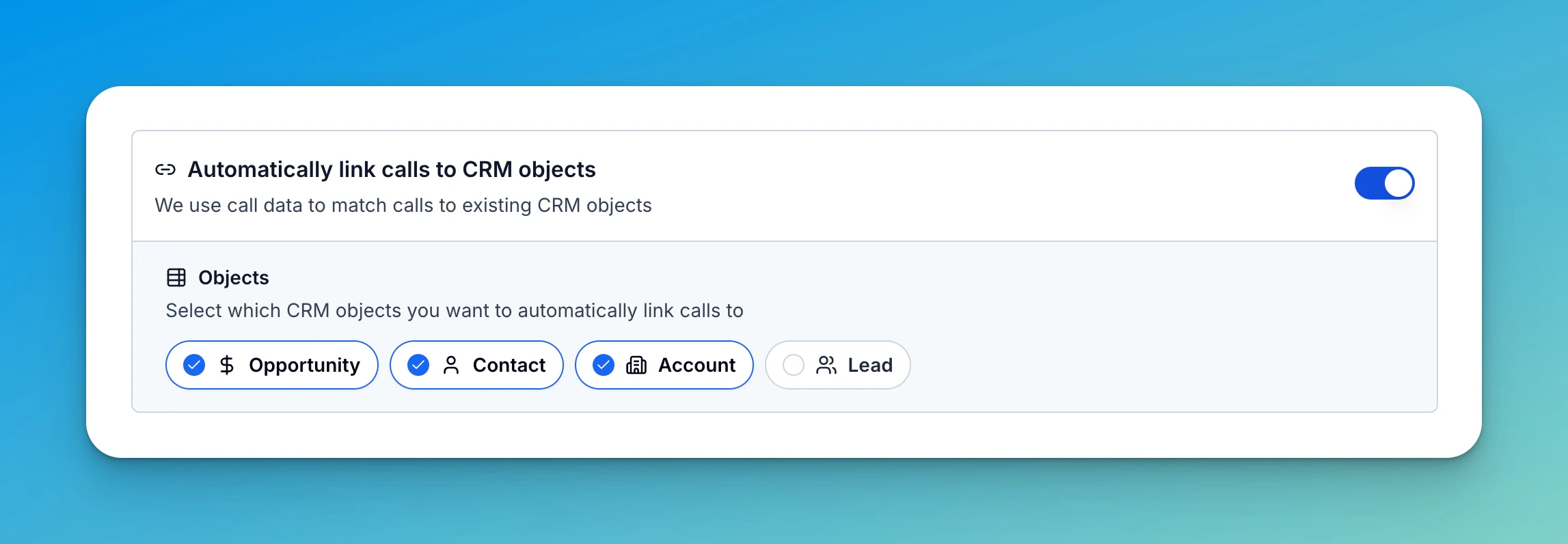
Turn this on to let Triple Session match processed calls to existing CRM records. The selected objects become the pool of records that automatic note pushes can use later.
In HubSpot, select **Deal**, **Contact**, and **Company** as needed.
 In Salesforce, select **Opportunity**, **Contact**, **Account**, and **Lead** as needed.
 ## Automatically push notes to CRM
Turn this on to send call information to matched CRM records after processing finishes.
Choose the **Content Source**:
* **Summary** sends the call recap and action items.
* **Deal Insights** sends scorecard-based sales insights.
* **Summary + Deal Insights** sends both in one CRM entry.
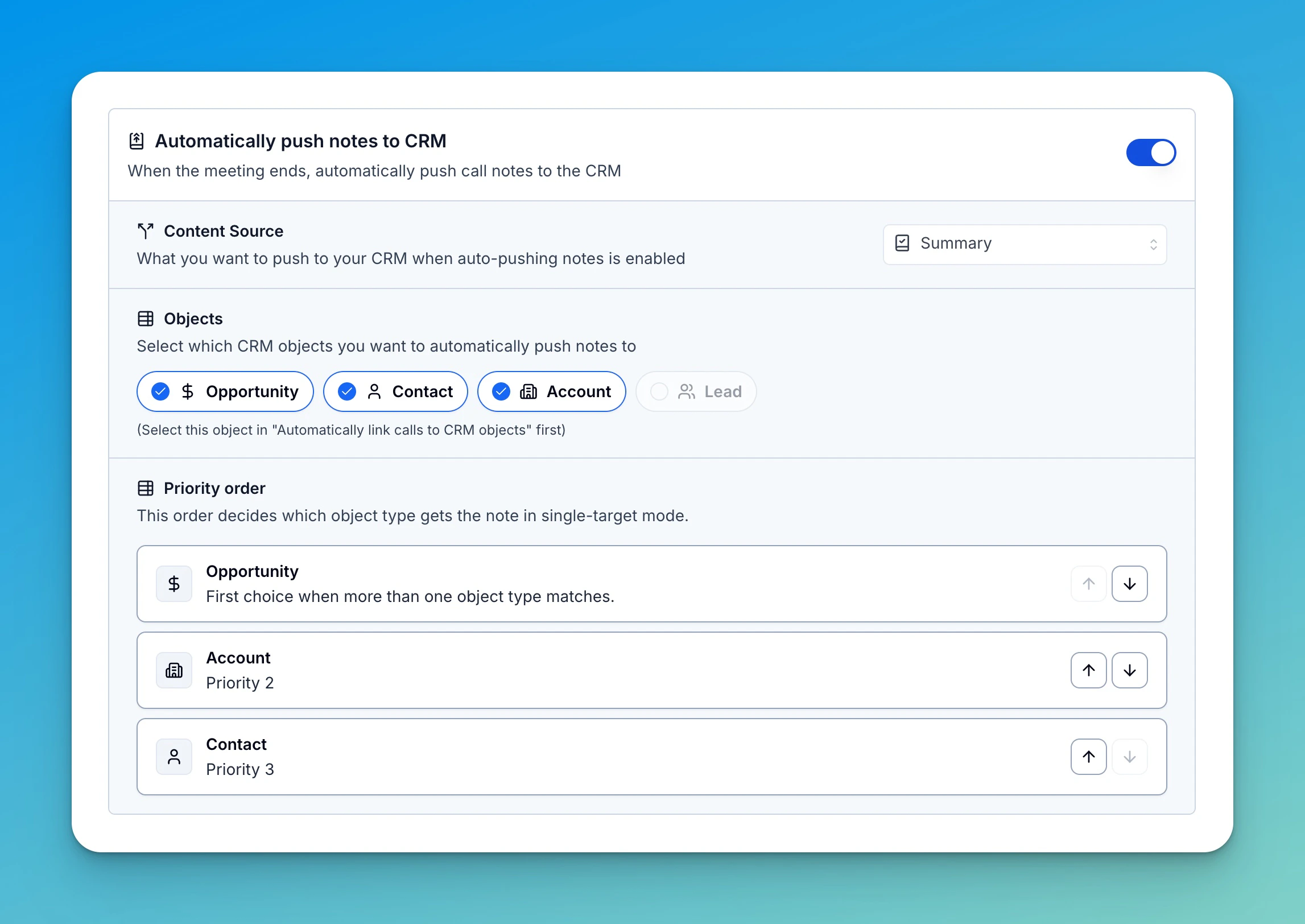
Then choose which matched objects should receive the note. An object must be enabled in **Automatically link calls to CRM objects** before it can be selected here.
Automatic note push creates CRM activity content such as Notes, HubSpot Meetings, or Salesforce Events. It does not update mapped CRM properties. To update properties, use [Automatically Update CRM Fields When Calls End](/crm/auto-update-fields).
## Routing when multiple objects match
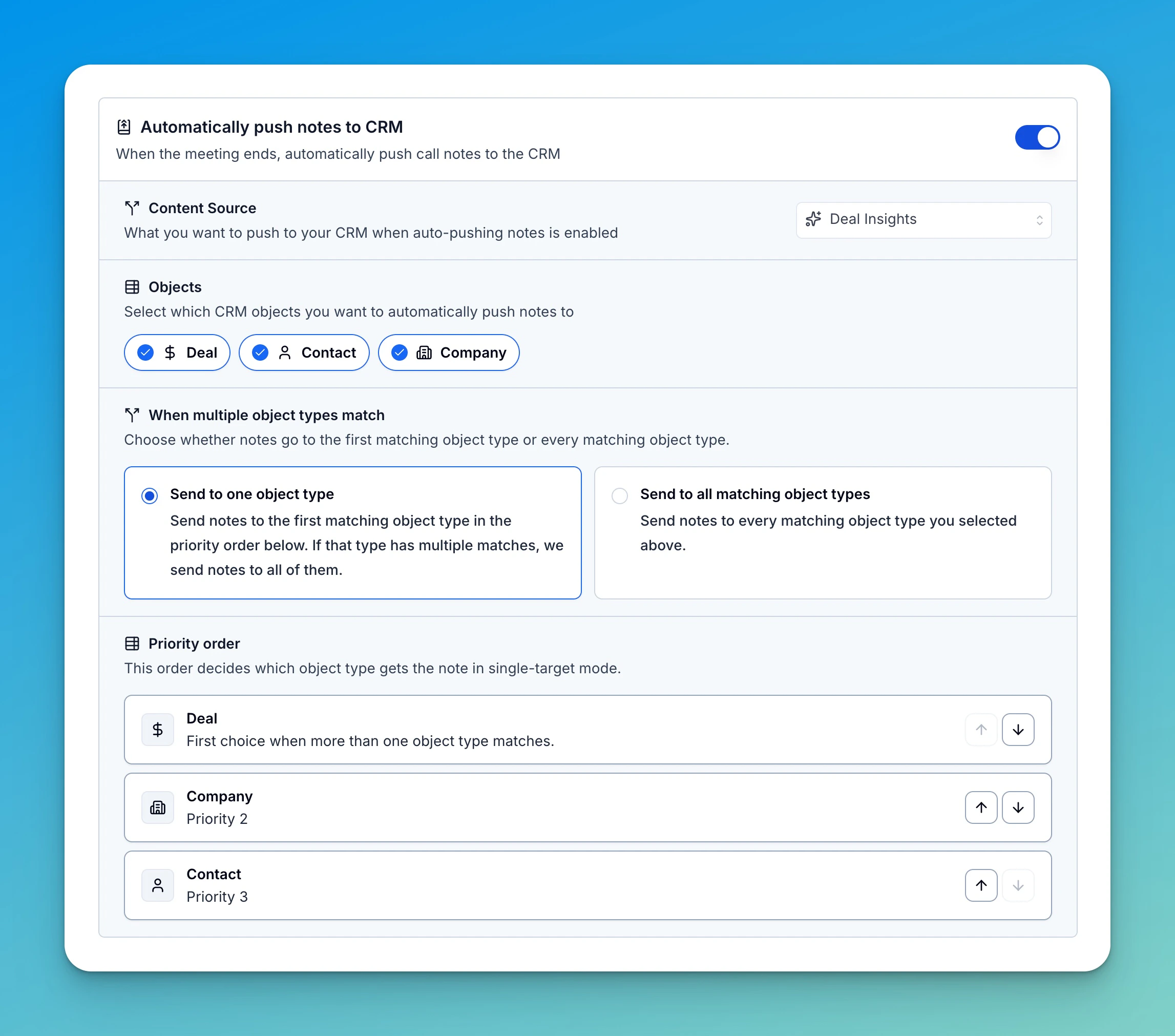
When more than one note target is selected, choose how Triple Session routes the CRM entry.
**Send to one object type** uses the priority order. If the first object type has multiple matches, Triple Session sends the note to all matches in that type and stops.
**Send to all matching object types** sends the note to every selected object type that matched the call.
Use the priority list to decide which object wins in single-target mode.
## Automatically push notes to CRM
Turn this on to send call information to matched CRM records after processing finishes.
Choose the **Content Source**:
* **Summary** sends the call recap and action items.
* **Deal Insights** sends scorecard-based sales insights.
* **Summary + Deal Insights** sends both in one CRM entry.
Then choose which matched objects should receive the note. An object must be enabled in **Automatically link calls to CRM objects** before it can be selected here.
Automatic note push creates CRM activity content such as Notes, HubSpot Meetings, or Salesforce Events. It does not update mapped CRM properties. To update properties, use [Automatically Update CRM Fields When Calls End](/crm/auto-update-fields).
## Routing when multiple objects match
When more than one note target is selected, choose how Triple Session routes the CRM entry.
**Send to one object type** uses the priority order. If the first object type has multiple matches, Triple Session sends the note to all matches in that type and stops.
**Send to all matching object types** sends the note to every selected object type that matched the call.
Use the priority list to decide which object wins in single-target mode.
 Salesforce uses the same routing model for Notes. When the destination is Events, Triple Session uses single-target routing.
 ## HubSpot Notes or Meetings HubSpot
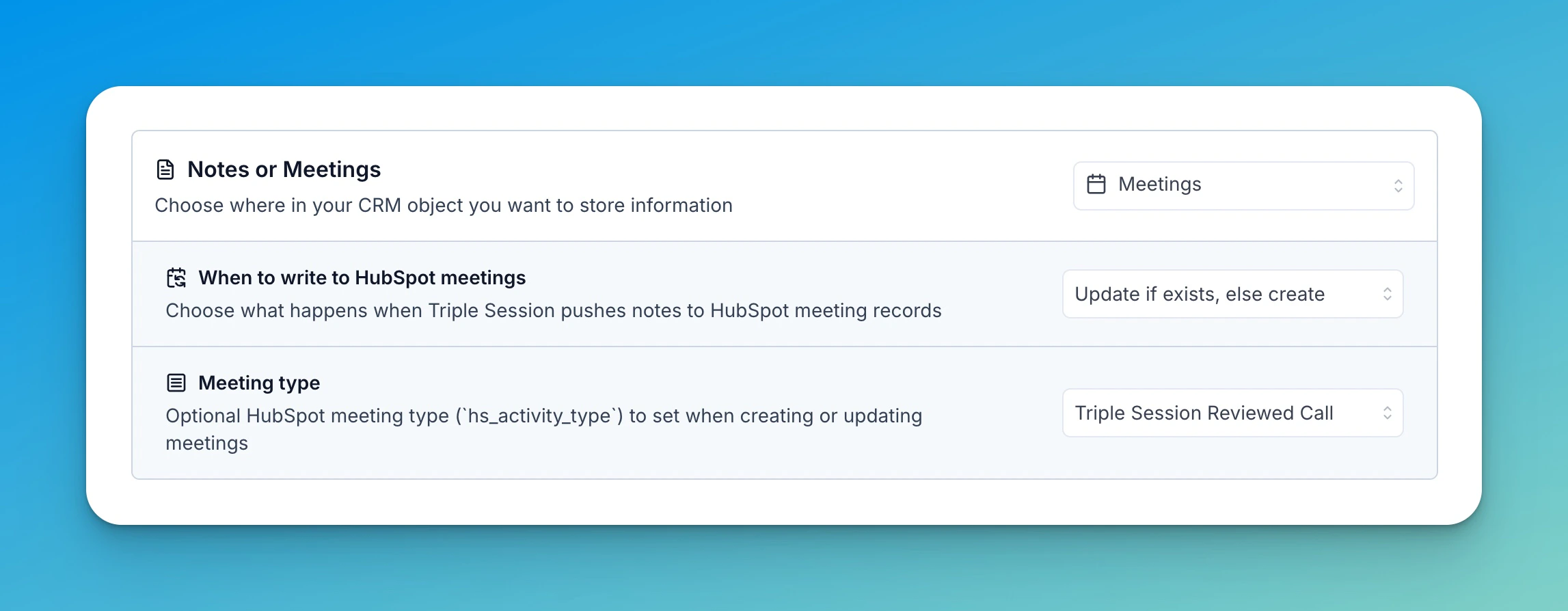
Use **Notes or Meetings** to choose where HubSpot stores pushed call content.
* **Notes** creates a HubSpot Note on the matched CRM record.
* **Meetings** creates or updates a HubSpot Meeting record.
When **Meetings** is selected, you can also configure:
* **When to write to HubSpot meetings**: always create, update if a matching meeting exists, or update only.
* **Meeting type**: an optional HubSpot meeting type for created or updated meetings.
## HubSpot Notes or Meetings HubSpot
Use **Notes or Meetings** to choose where HubSpot stores pushed call content.
* **Notes** creates a HubSpot Note on the matched CRM record.
* **Meetings** creates or updates a HubSpot Meeting record.
When **Meetings** is selected, you can also configure:
* **When to write to HubSpot meetings**: always create, update if a matching meeting exists, or update only.
* **Meeting type**: an optional HubSpot meeting type for created or updated meetings.
 ## Salesforce Notes or Events Salesforce
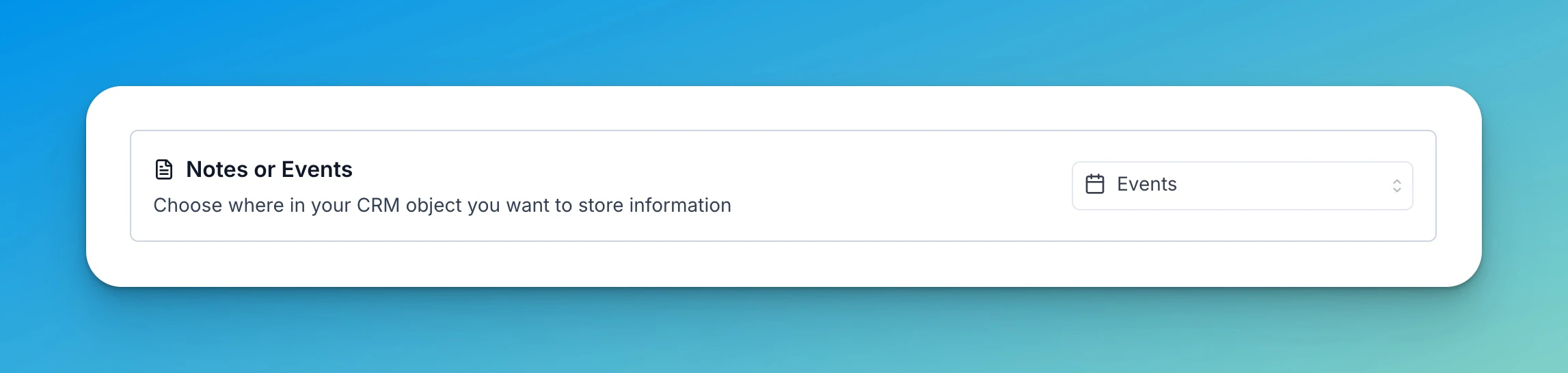
Use **Notes or Events** to choose where Salesforce stores pushed call content.
* **Notes** creates Salesforce notes on matched CRM records.
* **Events** creates Salesforce event activity for the selected matched record.
Salesforce Events use single-target routing, so the all-matching-object option is hidden when Events are selected.
## Salesforce Notes or Events Salesforce
Use **Notes or Events** to choose where Salesforce stores pushed call content.
* **Notes** creates Salesforce notes on matched CRM records.
* **Events** creates Salesforce event activity for the selected matched record.
Salesforce Events use single-target routing, so the all-matching-object option is hidden when Events are selected.
 ## HubSpot tasks from action items HubSpot
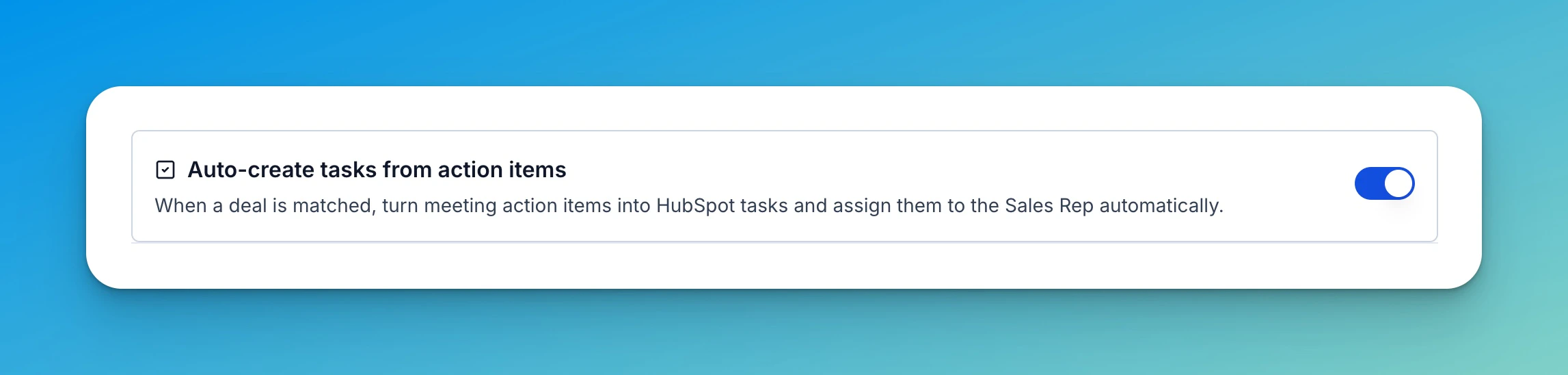
HubSpot can turn detected action items into HubSpot tasks. Enable this when reps should receive follow-up tasks directly in HubSpot after a call is processed.
## HubSpot tasks from action items HubSpot
HubSpot can turn detected action items into HubSpot tasks. Enable this when reps should receive follow-up tasks directly in HubSpot after a call is processed.
 ## HubSpot metadata cache HubSpot
HubSpot admins can clear the metadata cache when HubSpot options look stale, such as after changing scopes, meeting types, pipelines, or account settings.
## Disconnect CRM
Disconnecting the CRM stops new automatic CRM sync. CRM records and activities already created by Triple Session stay in the CRM.
## Related setup
* [Push Call Data](/crm/keep-crm-updated) explains manual CRM updates and CRM notes.
* [Map Fields](/crm/map-fields) explains scorecard field mappings for CRM properties.
* [Automatically Update CRM Fields When Calls End](/crm/auto-update-fields) explains CRM property updates through automations.
## HubSpot metadata cache HubSpot
HubSpot admins can clear the metadata cache when HubSpot options look stale, such as after changing scopes, meeting types, pipelines, or account settings.
## Disconnect CRM
Disconnecting the CRM stops new automatic CRM sync. CRM records and activities already created by Triple Session stay in the CRM.
## Related setup
* [Push Call Data](/crm/keep-crm-updated) explains manual CRM updates and CRM notes.
* [Map Fields](/crm/map-fields) explains scorecard field mappings for CRM properties.
* [Automatically Update CRM Fields When Calls End](/crm/auto-update-fields) explains CRM property updates through automations.