May 22, 2026New
Triple Session now gives CRM admins more control over where auto-pushed call notes land when a meeting matches multiple CRM objects.
Previously, notes followed a fixed routing order. That worked for simple CRM setups, but it could be too rigid for teams that expect notes to land first on a deal, on a contact, on a lead, or across every relevant record.
What’s included
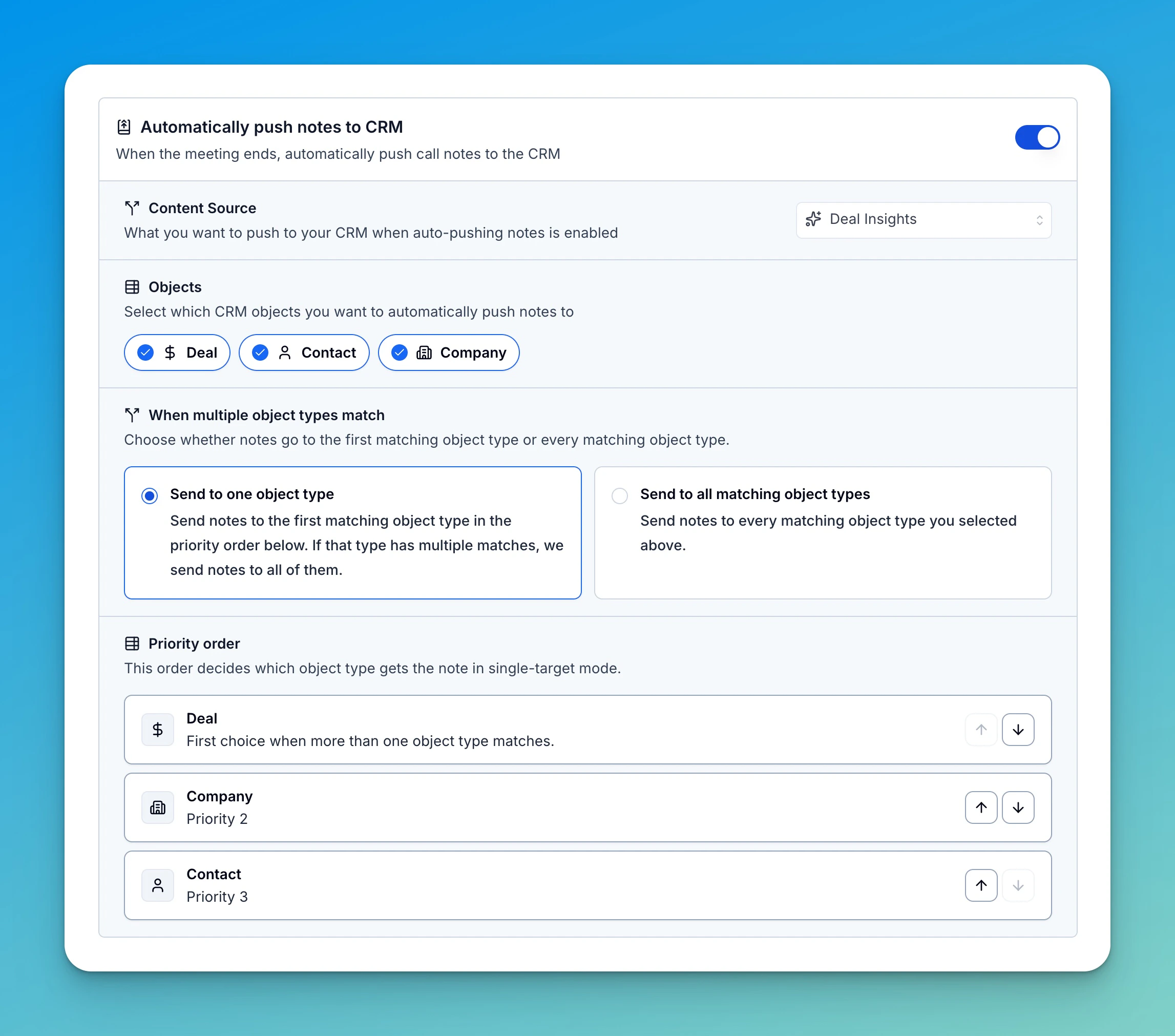
- Choose one object type or all matches — Send notes to the first matching object type in your priority order, or send notes to every matching object type selected for auto-push.
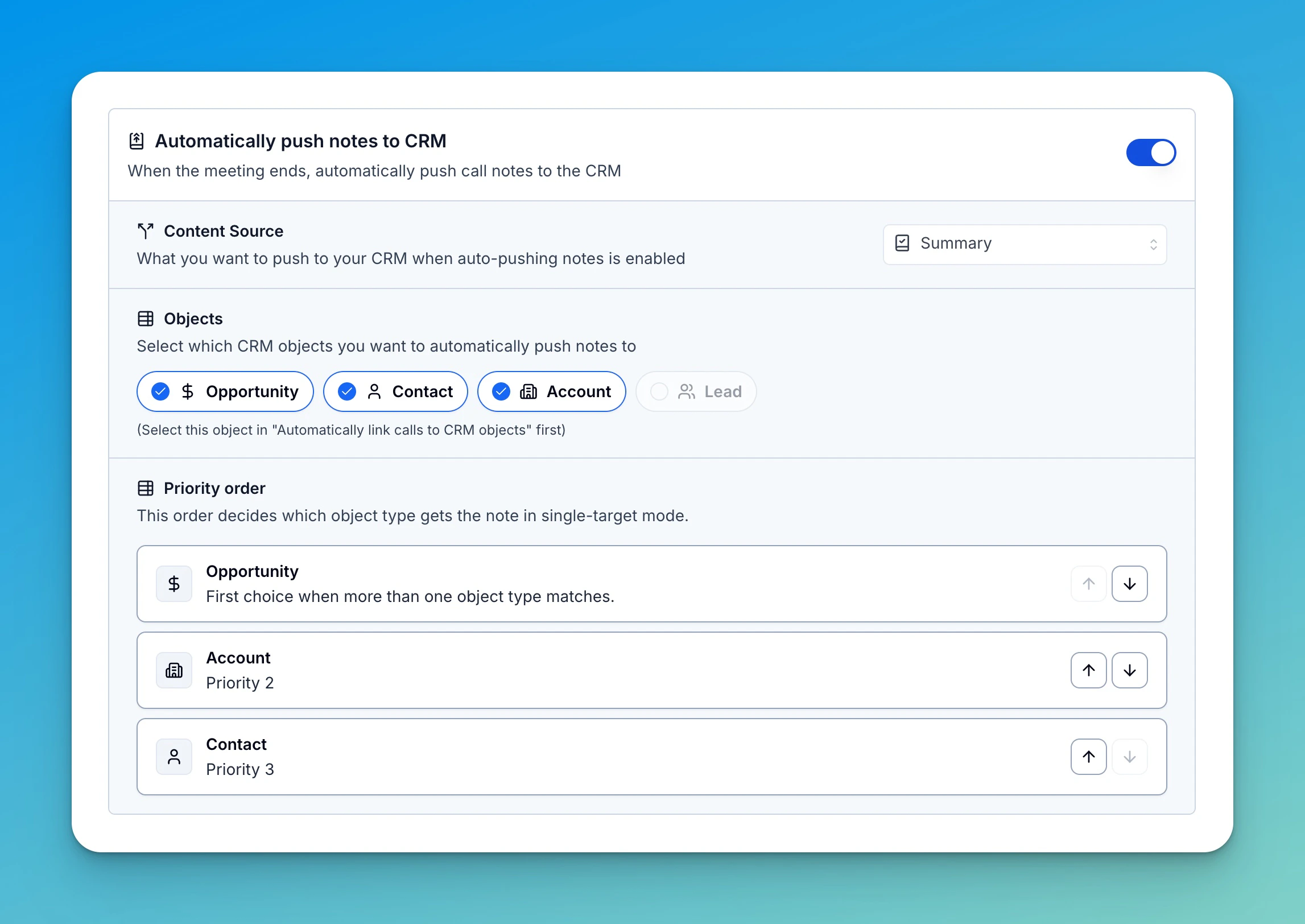
- Set the priority order — Reorder Deal, Contact, Company, and Salesforce Lead targets so Triple Session follows your CRM workflow.
- Consistent default in manual autofill — The priority order also controls which matched CRM object is selected first when filling CRM notes manually.
- No breaking changes — Existing CRM configurations keep their current routing behavior unless an admin saves the new routing options.
How to configure it
Company admins can manage this from Settings → CRM → Sync Settings. Open Automatically push notes to CRM, choose the CRM objects that can receive notes, then pick whether notes should go to one object type or all matching object types. In single-target mode, use the priority list to decide which object type wins when more than one match is found. If the winning object type has multiple matched records, Triple Session adds the note to all of those records.