
July 17, 2026New
A batch of quality-of-life improvements across call review and workspace management.
Talk time, per participant
Every participant on a call now gets their own talk-time track below the recording, with their share of the conversation and speaking time — so you can see exactly when each person was speaking, at a glance.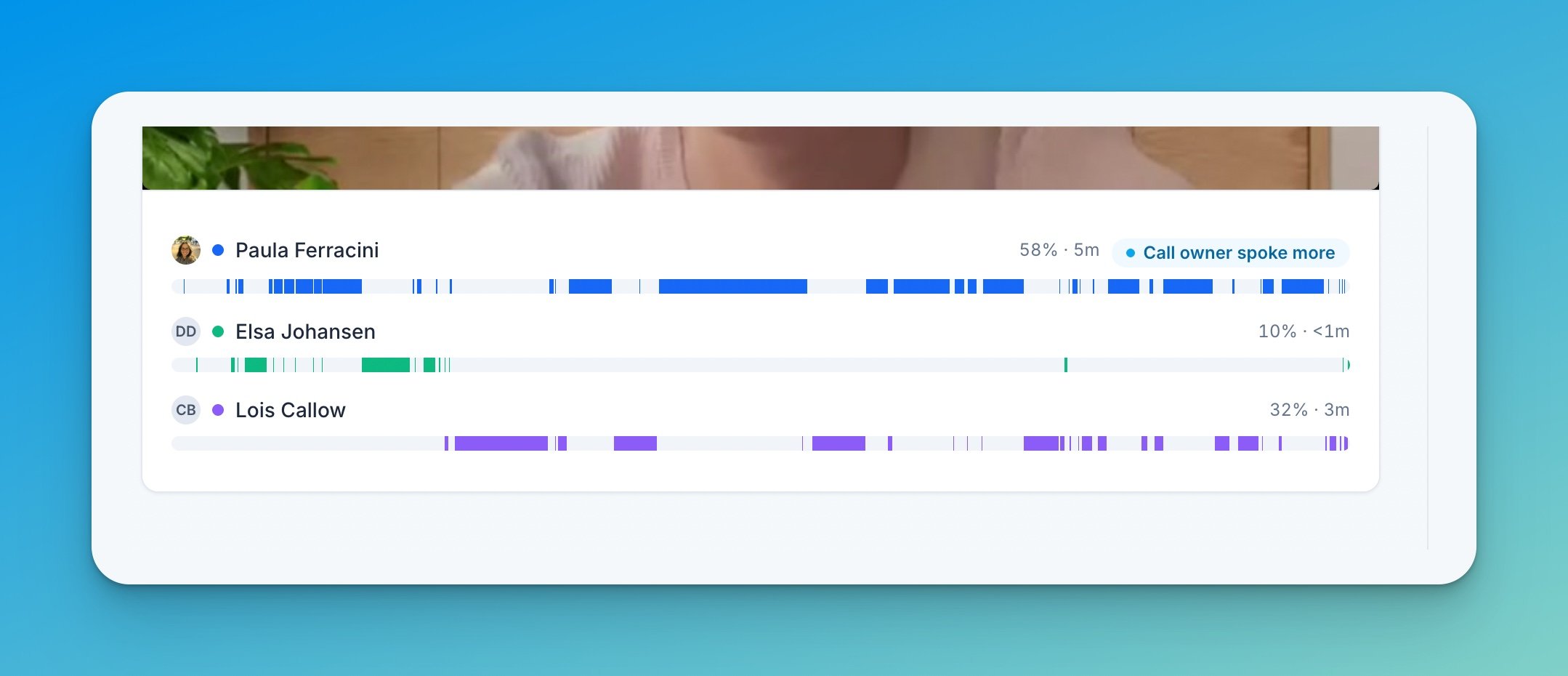
Smarter transcript search
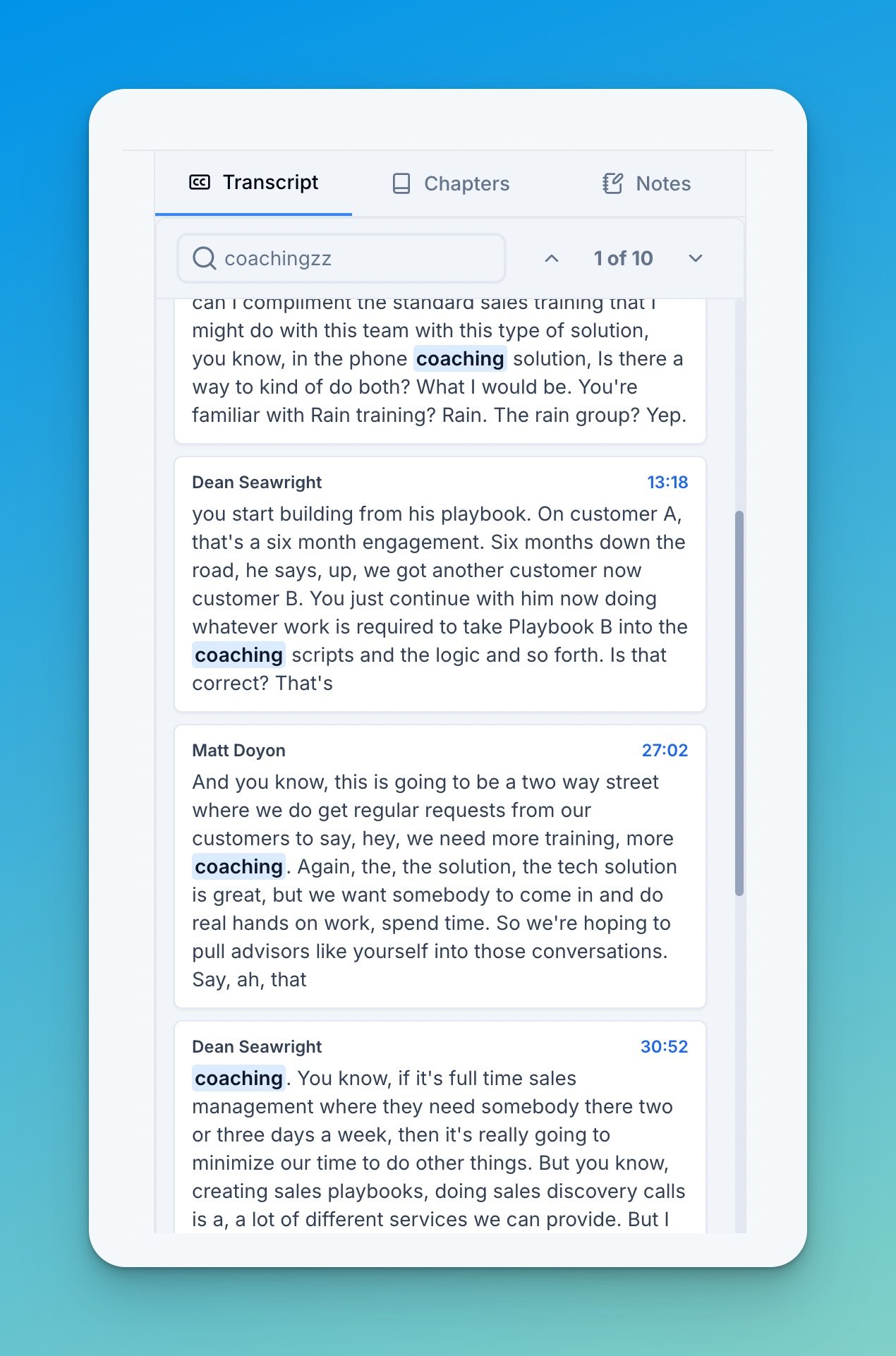
Transcript search now understands what you mean. Typeanalyticcs and it still finds analytics — matching handles typos and approximate meaning, with no added latency. Results show just the matching transcript blocks, so you can scan every hit in seconds.
Copyable email drafts in chat
Ask AI Coach chat for a follow-up email and you now get a ready-to-send draft: chat detects email requests and formats the response with a subject line and a one-click copy on the body.Block access
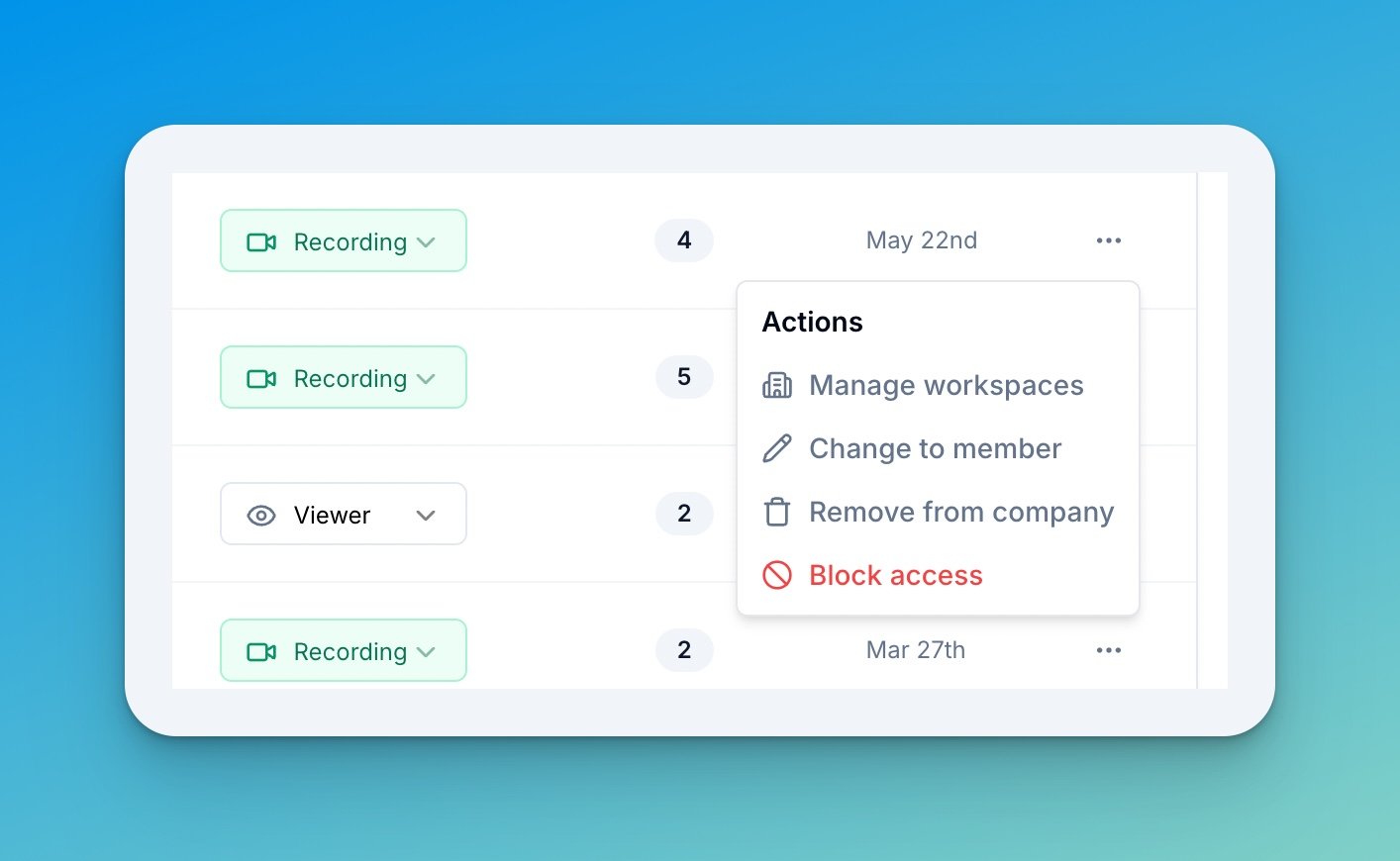
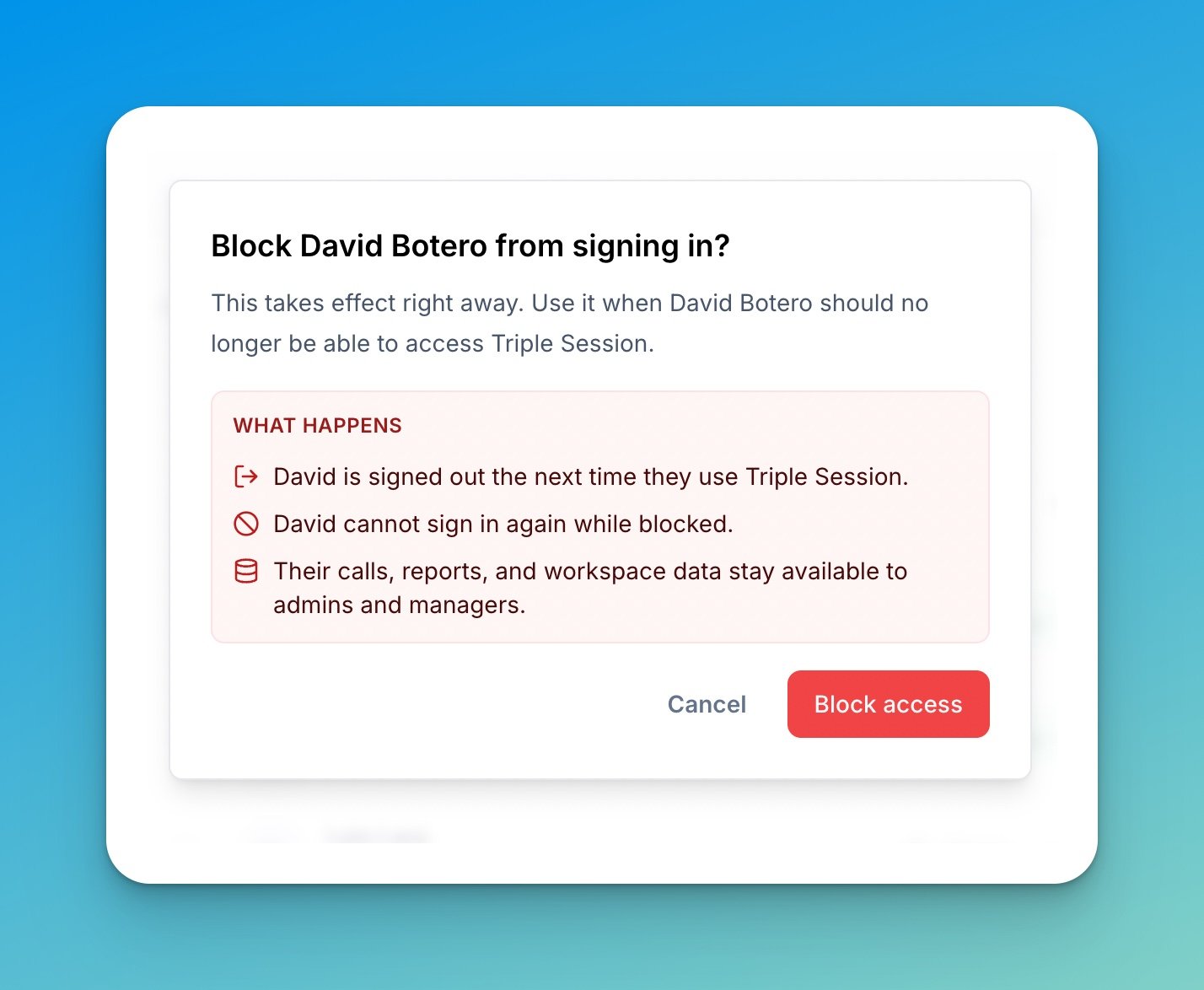
Admins can now block a member from signing in — from the member actions menu in Settings → Team → People.Block access is now part of Deactivate. See Deactivate someone who left.