

Automations is currently in closed beta. If you’re interested in testing it, reach out to your CSM or email support@triplesession.com.
How automations work
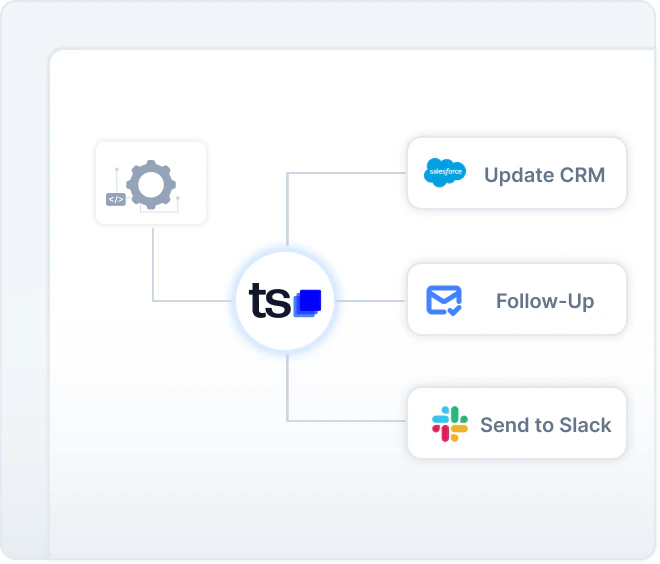
Every automation follows the same Trigger → Filter → Action model:- Trigger — An event occurs that starts the automation (for example, a meeting finishes).
- Filter — Conditions are checked to determine whether the automation should run (for example, score above 70 or meeting duration over 30 minutes).
- Action — One or more actions execute in sequence (for example, send a Slack message or update a CRM field).
When to use automations vs. manual exports
Use automations when you want data to flow without any manual intervention — for example, posting a Slack summary to a channel after every reviewed call, or writing deal insights into HubSpot the moment a call ends. Use manual exports (such as the Update CRM button on a recording) when you want to review the data before it is sent, or when you only need to push information on a case-by-case basis.Available recipes
The following guides walk you through the most common automation workflows:Slack notifications
Push call summaries, insights, and coaching alerts to a Slack channel as soon as a meeting is reviewed.
Send to Power BI, Sheets, and more
Export AI Coach data to Power BI, Google Sheets, Tableau, or any other app using a webhook and Zapier.
Review meetings from other platforms
Send transcripts or recordings from any external system to Triple Session via a webhook for automatic AI Coach review.
Auto-update CRM fields
Automatically write scorecard results and deal insights into HubSpot or Salesforce fields when a call ends.
Write to HubSpot tickets
Add meeting notes to an open HubSpot ticket and fill ticket properties automatically after a call ends.
Deal insight automations
Trigger workflows based on specific keywords, competitors, or insights detected in a conversation.