
Requirements
Before setting up the Aircall integration, make sure you meet these requirements:- Aircall plan with AI Assist: Your company must be on an Aircall plan that includes AI Assist.
- Admin access in Triple Session: Only users with Company Admin privileges can complete this setup.
Connect Aircall to AI Coach
1
Go to AI Coach settings
Log into your Triple Session account. Click the Settings tab from the sidebar menu. You can also access Settings from within any AI Coach page — Analytics, Meetings, or Moments.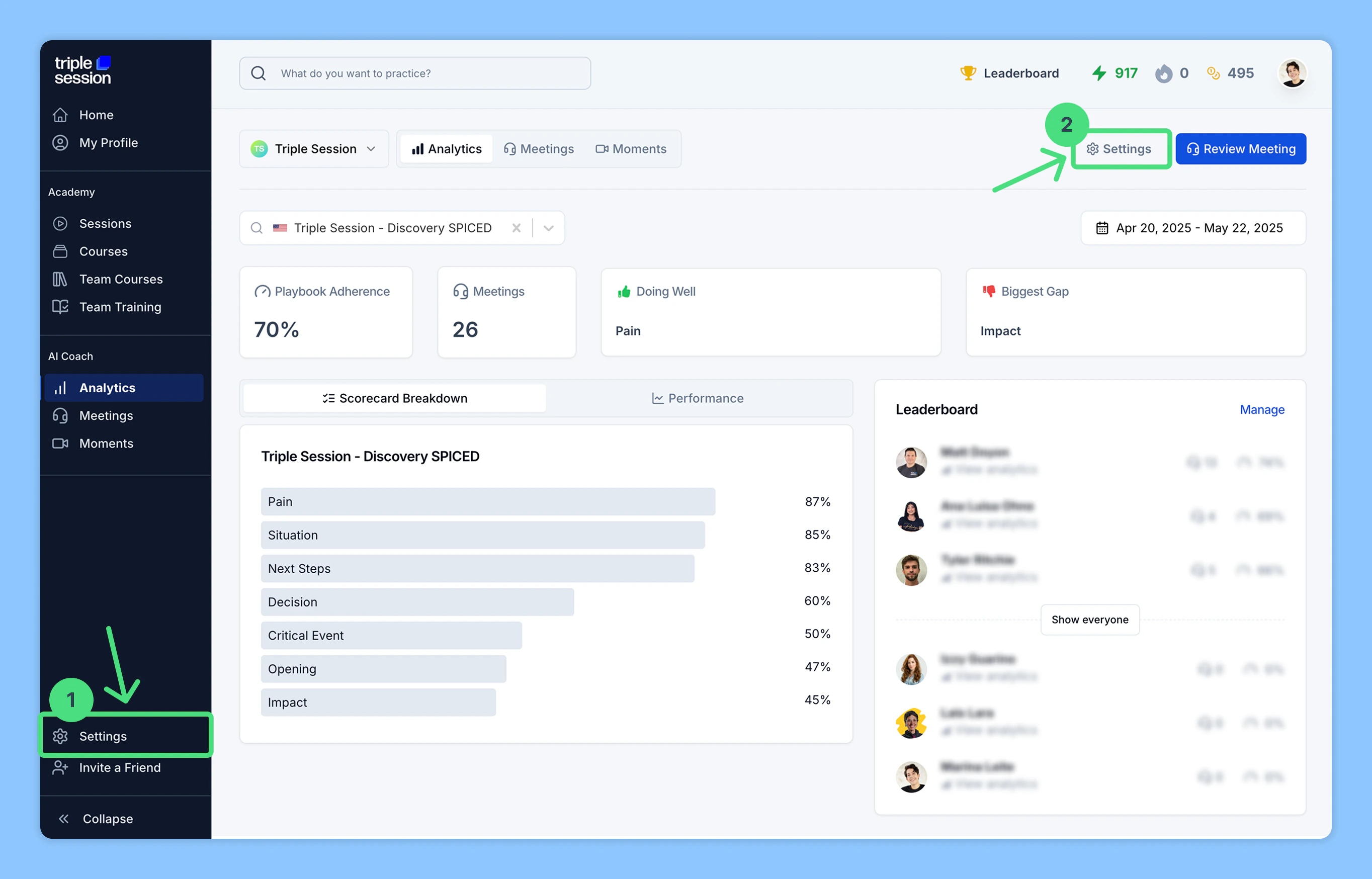
2
Connect Aircall under Integrations
In the AI Coach section, navigate to the Organization subsection. Click Integrations, find Aircall, then click Connect.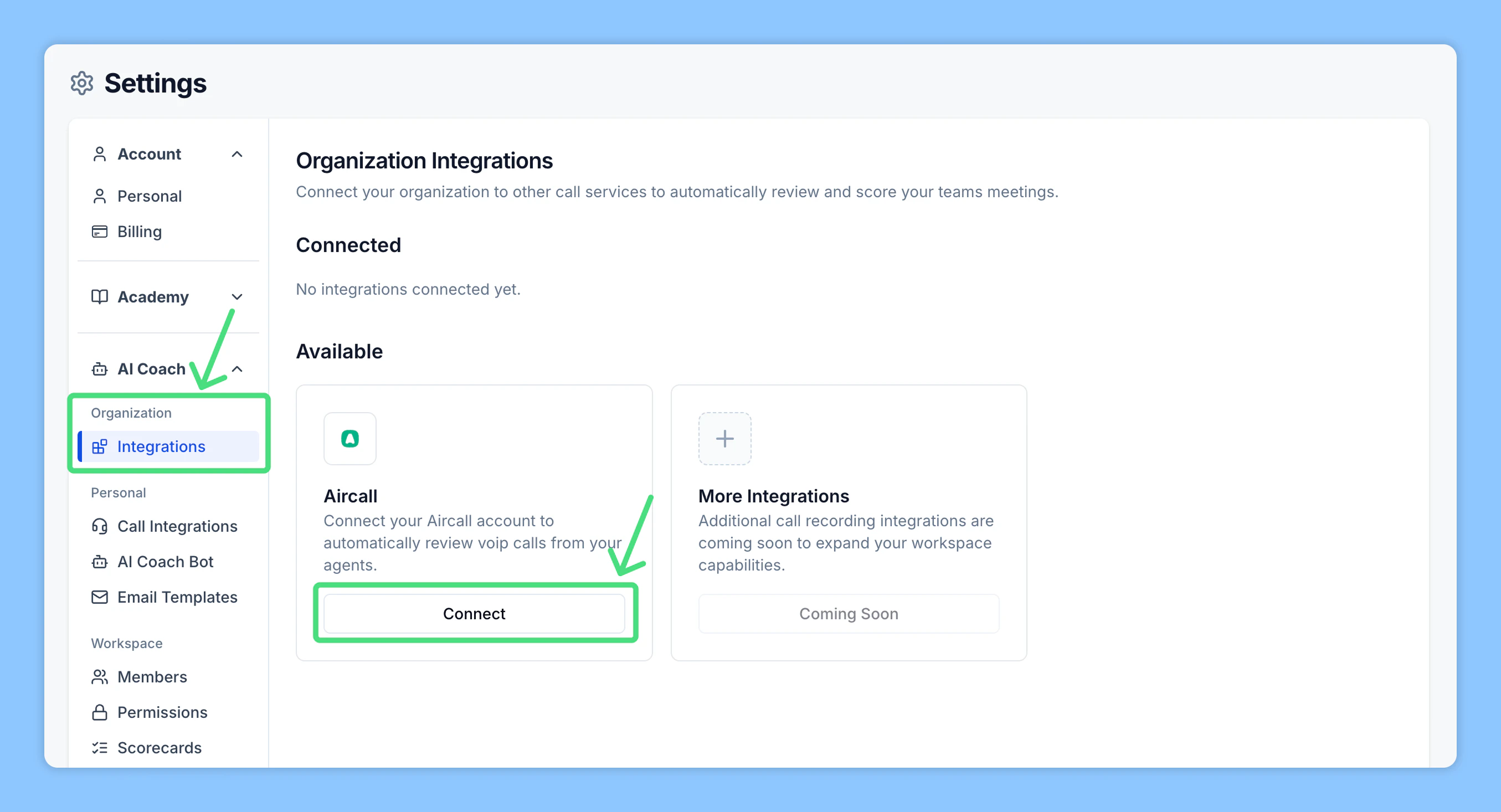
3
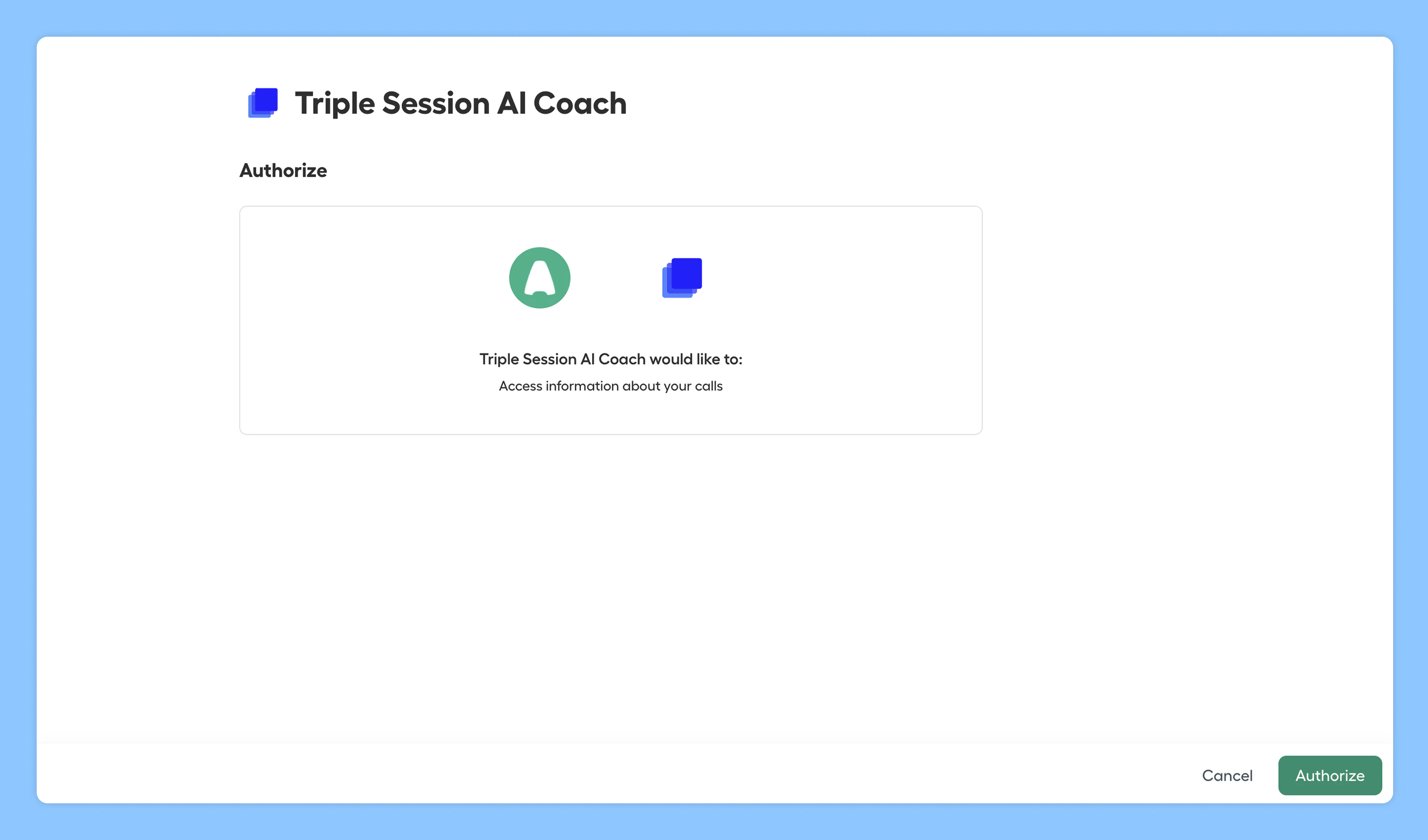
Authorize Aircall access
Sign in to your Aircall account and authorize AI Coach to access your team’s Aircall recordings and call data.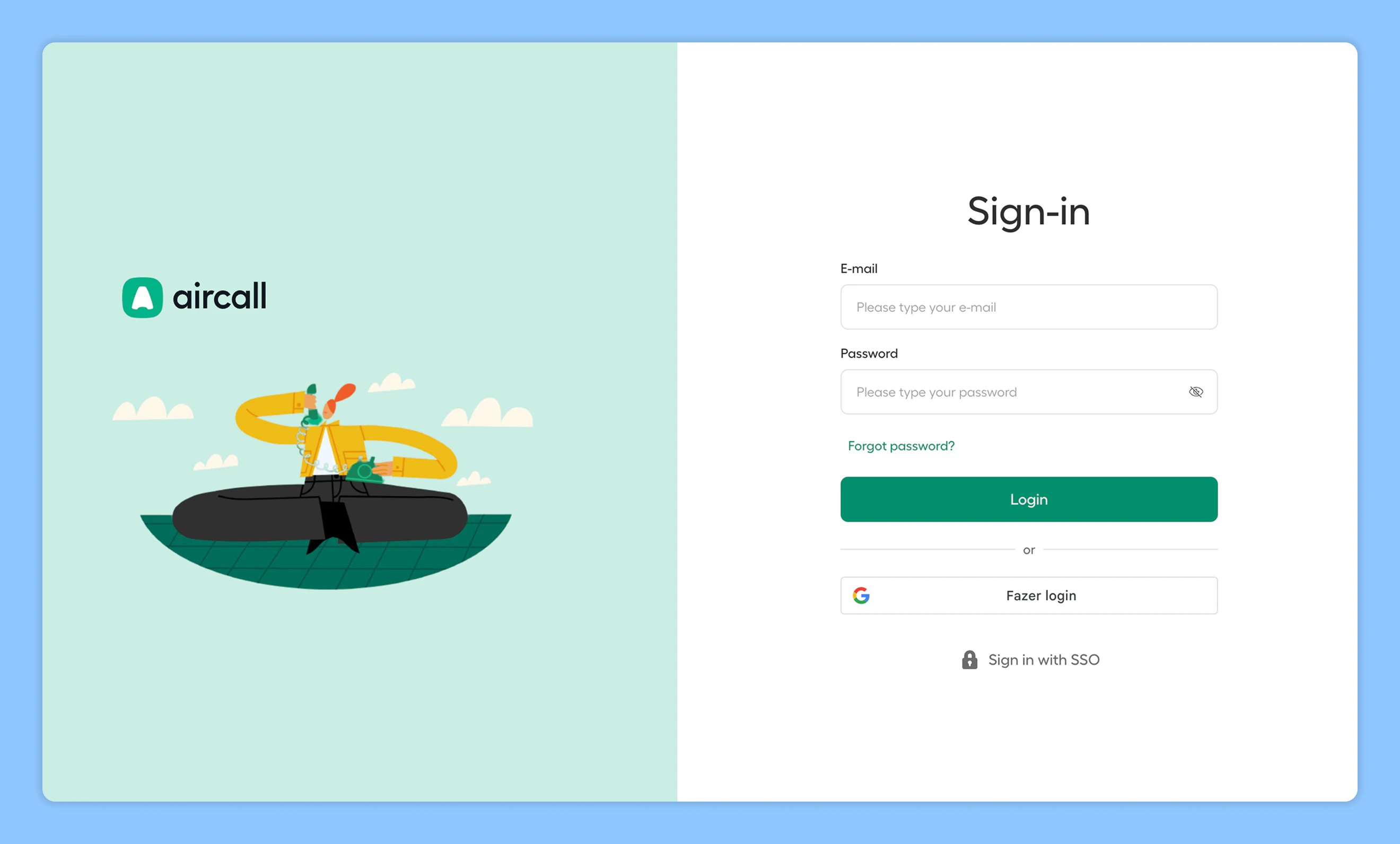
4
Select phone numbers
Choose the phone numbers Triple Session should have access to. Once authorized, you’ll be redirected back to Triple Session.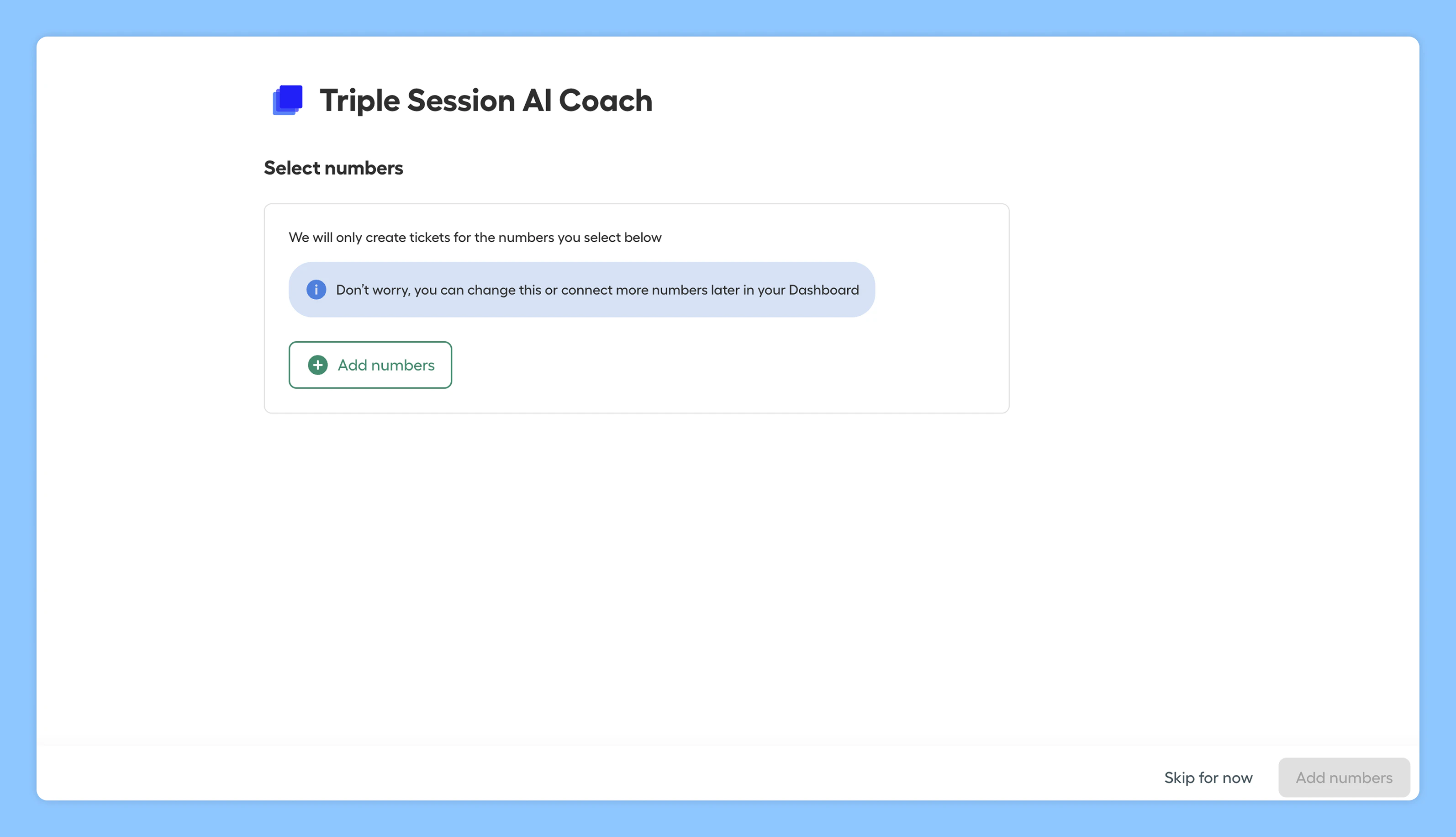
5
Confirmation
You’ll see a confirmation message once the integration is active. Triple Session will start matching calls by user email and analyzing them with your active Smart Scorecards.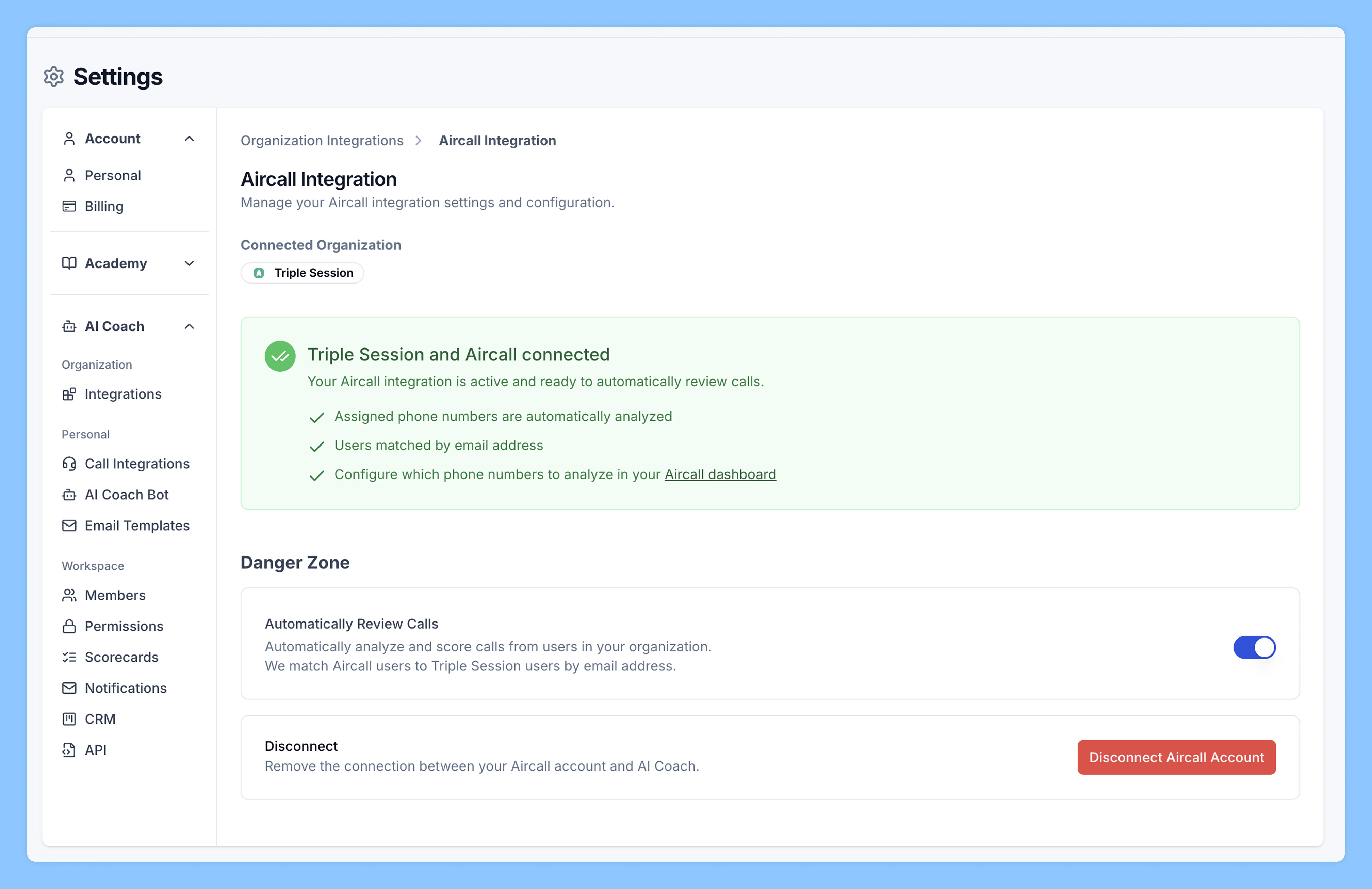
Troubleshooting: why aren’t some calls being reviewed?
If the integration is active but a rep’s calls aren’t appearing in AI Coach, check these common issues.Check if the rep’s numbers were selected in Aircall
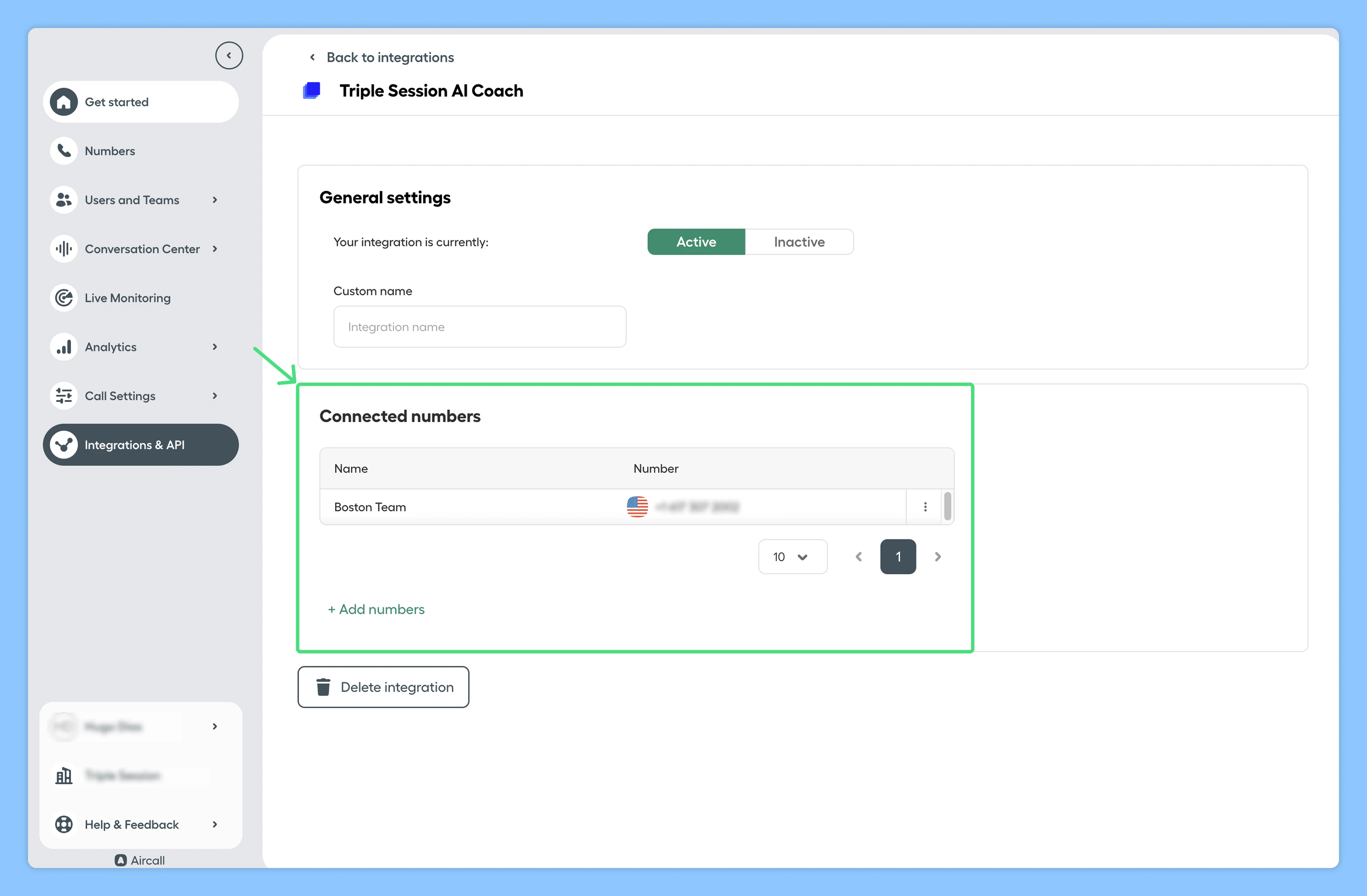
Make sure the rep’s specific number was selected during the Aircall integration setup. Admin action:- Go to Integrations & API in your Aircall account.
- Review the list of connected numbers and verify the rep’s number is included.
Check if Smart Scorecards are enabled for Automated Reviews
Make sure each rep has at least one Smart Scorecard turned on in Triple Session’s AI Coach. Rep action:- Go to Settings > Team > Scorecards.
- Check that Auto-apply is on for at least one scorecard. If not, turn one on.
- Go to Settings > Team > People and select the workspace.
- Check the Scorecards column. If it shows 0, the rep has no Smart Scorecards assigned.
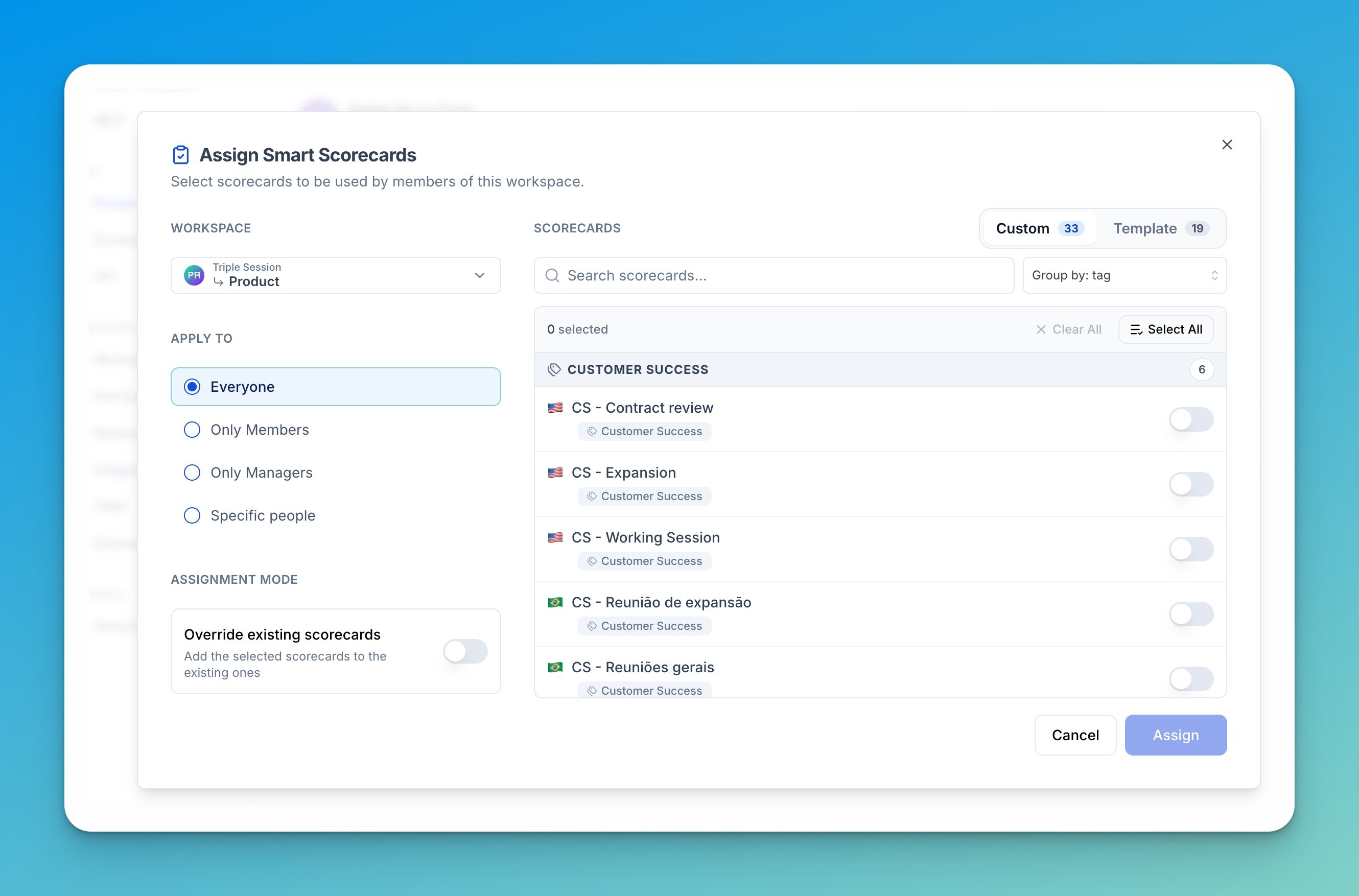
- Click Assign scorecards in the toolbar, set Apply to to Specific people, and pick the rep.
- Select the scorecards to assign, then click Assign.